Add tools
Add tools to your MCP server.
Before you begin
- Follow the Get started guide to set up agentregistry and start the agentregistry daemon.
- Install
uv.
Add tools
-
If you have not done so yet, create an MCP server. Enter an optional description, author name, and email, or skip these by pressing the return key.
The following command creates a
my-mcp-serverFastMCP server with an echo tool. When you run the command, amy-mcp-serverdirectory is created on your local machine that contains the scaffold for your MCP server.arctl mcp init python my-mcp-server -
Create a scaffold for an
add_numbertool. The following command creates anadd_number.pyfile in themy-mcp-serverproject.arctl mcp add-tool add_number --project-dir my-mcp-server -
Review the
add_numbertool scaffold that was created for you.nano my-mcp-server/src/tools/add_number.py -
Add the following code snippet to create the
add_numbertool. The code takes two integer numbers and returns the sum of both integers to the user.@mcp.tool() def add_numbers(a: float, b: float) -> str: """Add two numbers together and return the result. Args: a: The first number to add. b: The second number to add. Returns: A string representing the sum of the two numbers. """ # Optional: Get config if you want to control formatting/units config = get_tool_config("add_numbers") unit = config.get("unit", "") result = a + b return int(a + b) -
Re-build the MCP server image.
arctl mcp build my-mcp-server -
Run the MCP server on your local machine and note the MCP server URL that the server is exposed on.
arctl mcp run my-mcp-serverExample output:
Running local MCP server: my-mcp-server (version 0.1.0) Using Docker image: my-mcp-server:0.1.0 MCP Server URL: http://localhost:57196/mcp Press CTRL+C to stop the server... 2026-01-27 22:12:40,261 - INFO - Loaded tool module: echo 2026-01-27 22:12:40,261 - INFO - 📦 Successfully loaded 1 tools 2026-01-27 22:12:40,647 - INFO - HTTP Request: GET https://pypi.org/pypi/fastmcp/json "HTTP/1.1 200 OK" ... -
Open the MCP inspector tool.
npx modelcontextprotocol/inspector#0.18.0 -
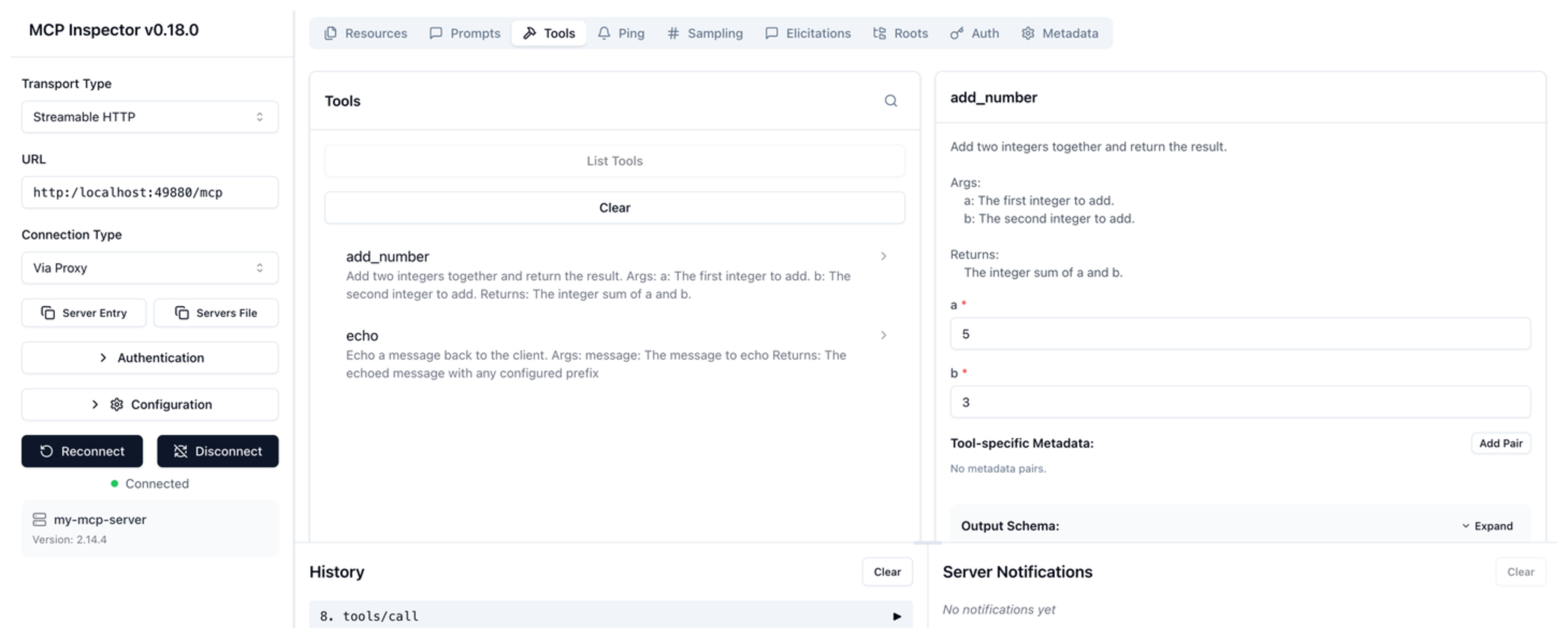
Connect to your MCP server. Enter the following details.
- Transport type: Select Streamable HTTP.
- URL: The MCP server URL that you retrieved earlier, such as
http://localhost:57196/mcp. - Click Connect.
-
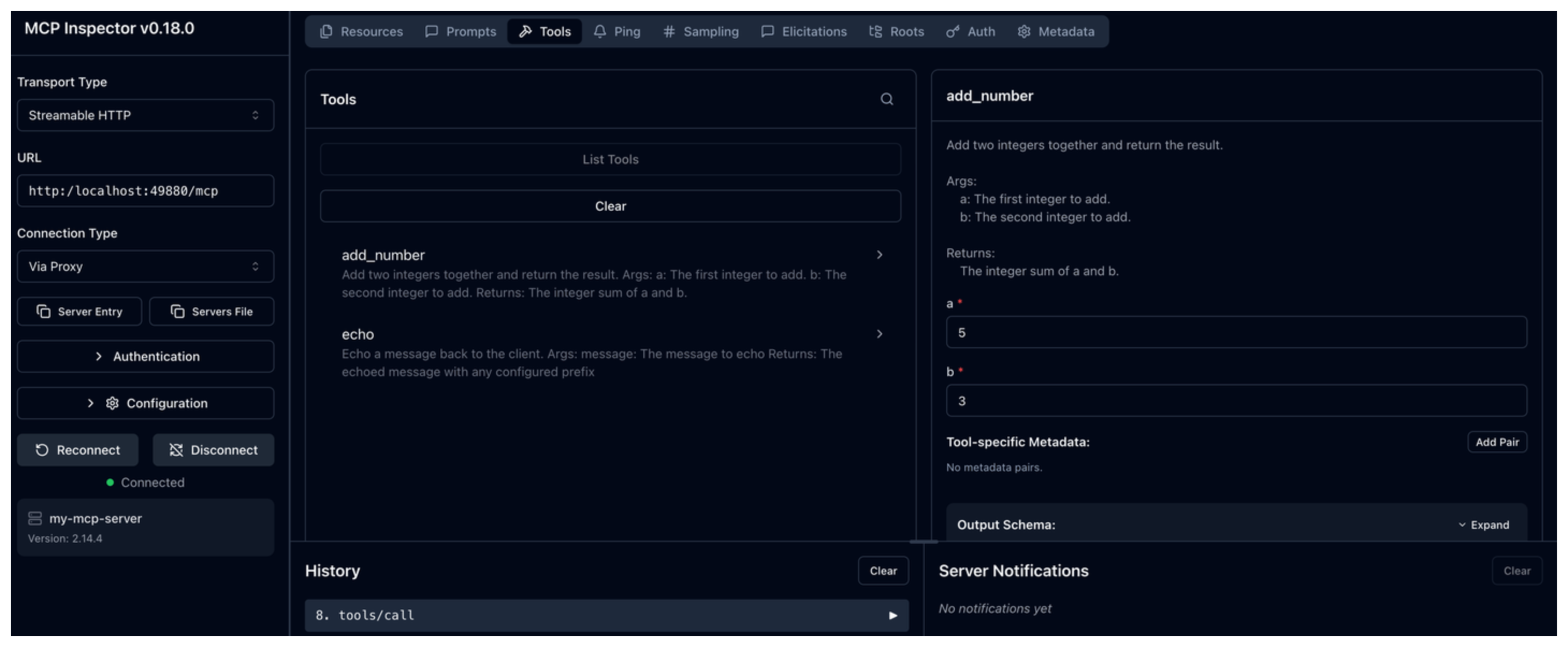
Go to the Tools tab and verify that you see the newly added
add_numbertool. Try out the tool by entering two integer numbers, such as 5 and 3. Then, click Run Tool. Verify that the sum of both numbers is returned.